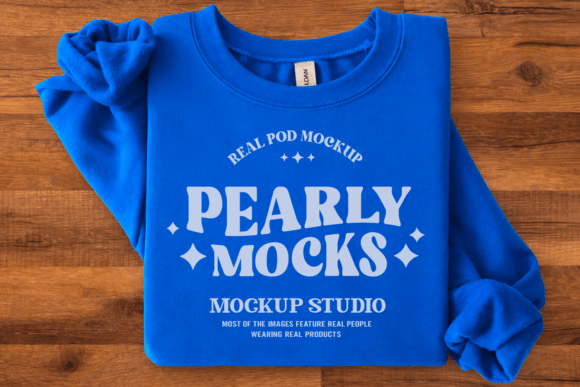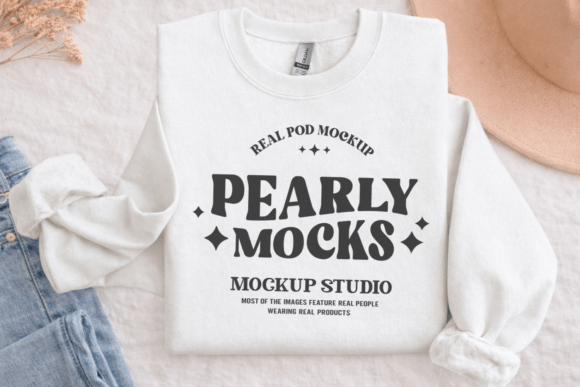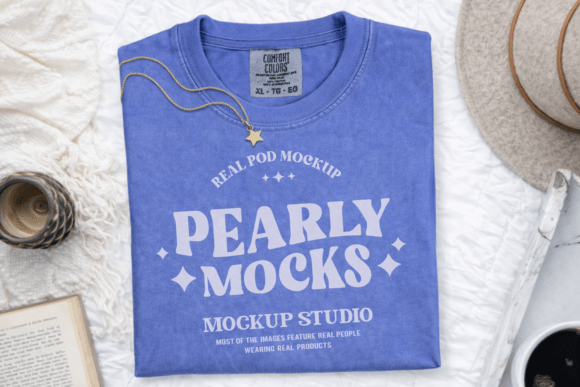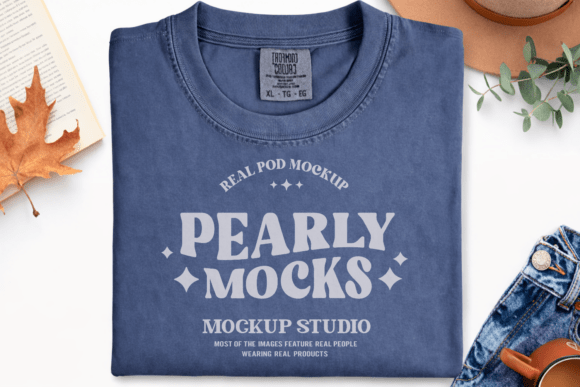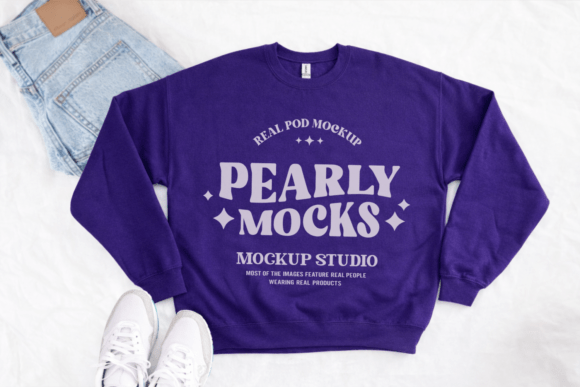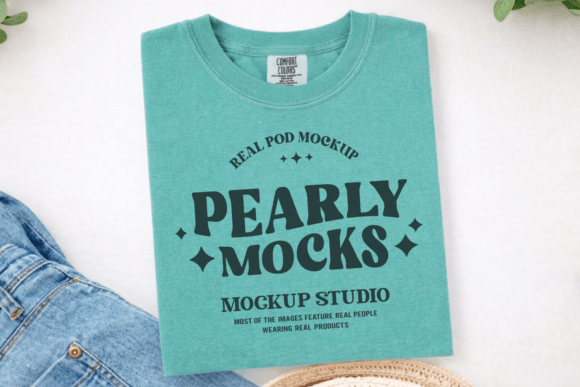
Comfort Colors C1717 Flat Lay Mockup
The Comfort Colors C1717 Flat Lay Mockup isn’t just another digital placeholder — it’s a workflow accelerator for designers, print-on-demand sellers, educators, and small business owners who need to communicate visual intent quickly and professionally. Built around the widely loved Comfort Colors 1717 unisex oversized t-shirt, this mockup delivers a clean, natural-light flat lay perspective that emphasizes texture, drape, and garment authenticity without distracting backgrounds or artificial shadows.
Unlike generic t-shirt mockups with stiff folds or exaggerated lighting, the C1717 Flat Lay Mockup reflects how the actual garment rests: relaxed, slightly rumpled, with soft cotton texture visible at 300 DPI resolution. That realism matters — especially when you’re preparing product listings, client presentations, social media assets, or portfolio pieces where credibility hinges on accurate representation.
Where It Fits in Your Creative or Business Workflow
This mockup integrates most effectively at two key points: pre-launch validation and post-design refinement. Before finalizing a design for production or listing, drop your artwork into the mockup to assess scale, color balance, and composition against real garment proportions. You’ll immediately spot issues like text cutoff near the hem, awkward centering, or contrast problems against the heathered fabric — saving time (and physical samples) before committing to print.
After design approval, the same file becomes your go-to asset for rapid content generation. Need three Instagram carousel slides by noon? A Shopify product page image with consistent styling? A pitch deck slide showing your brand’s aesthetic across apparel? The Comfort Colors C1717 Flat Lay Mockup lets you generate those visuals in under five minutes — no photoshoots, no studio fees, no retouching delays.
Compatibility and Real-World Use Across Platforms
You receive one high-resolution JPG file — intentionally simple, intentionally versatile. It opens natively in Canva, Photoshop, Affinity Photo, Figma (via import), GIMP, and even PowerPoint or Keynote for quick drag-and-drop use. Because it’s a flattened JPG (not PSD or layered PNG), there’s no layer confusion, blending mode dependency, or font embedding risk. What you see is what you get — and what your audience sees.
This simplicity supports consistency across teams and tools. A freelance designer can prep files in Photoshop, hand them off to a marketer using Canva, and both produce aligned visuals without version mismatches or missing smart objects. For educators building course materials or bloggers documenting their design process, the lack of technical overhead means less time troubleshooting software and more time focusing on message and craft.
Practical Implementation Tips That Stick
Start with natural light simulation. Since the mockup was shot in soft daylight, avoid overlaying designs with heavy artificial gradients or neon glows unless that’s your intentional brand language. Let the garment’s organic tone — whether heather black, olive, or vintage white — inform your palette choices. Test how your design reads at 75% brightness on screen; if legibility drops, simplify contrast or increase type weight.
Scale deliberately. The C1717’s oversized fit means chest prints sit lower and wider than on standard tees. Use the mockup’s visible seam lines and collar placement as anchors: align your design’s top edge just below the collar seam, and keep critical elements within the central third of the shirt front to avoid visual cropping in thumbnails or mobile feeds.
Batch your exports. If you’re launching multiple designs across colors, open the mockup once, place your first artwork, save as PNG, then duplicate the canvas and swap only the design layer. This preserves consistent lighting, shadow direction, and fabric texture — critical for cohesive branding across listings or campaigns.
Integration With Broader Tools and Systems
The Comfort Colors C1717 Flat Lay Mockup doesn’t exist in isolation. It works alongside your existing stack: pair it with free color palette tools like Coolors or Adobe Color to extract dominant tones from the shirt base and harmonize your artwork. Use it inside Canva’s Brand Kit to auto-apply your fonts and spacing rules across all mockup outputs. Feed exported images directly into Printful, Gelato, or Teespring workflows — no resizing or reformatting needed.
For educators and content creators, it serves as a teaching anchor. Show students how garment fit affects layout decisions. Demonstrate the difference between vector scaling and raster distortion using the same mockup file. Build reusable templates in Notion or Airtable that link to your mockup folder, design files, and vendor specs — turning one asset into a documented, repeatable process.
Long-Term Usability and Quality Control
Because it’s a single, watermark-free JPG at 300 DPI, the file remains usable years later — no subscription dependencies, no expiring licenses, no plugin updates required. Store it in a clearly labeled “Mockups/ComfortColors” subfolder within your main design assets library. Add a README.txt noting its origin, recommended use cases, and scaling reference points (e.g., “Design area fits within 14″ × 16″ centered rectangle”). This small act prevents future confusion and supports onboarding for collaborators.
Quality control starts here: every time you drop in a new design, compare it side-by-side with your previous three exports. Look for consistency in brightness, alignment, and background neutrality. If one output looks washed out, check your software’s color profile settings — not the mockup. Its stability makes it a reliable benchmark, not a variable.
Who Benefits — and How They Actually Use It
A small-batch apparel brand uses the Comfort Colors C1717 Flat Lay Mockup to pre-approve seasonal collections with their fulfillment partner — sharing crisp visuals instead of vague descriptions. A freelance illustrator drops her latest character art into the mockup before pitching to boutique retailers, giving buyers immediate context for wearability and scale. A university design instructor embeds the file into weekly assignments, asking students to submit both vector files and mockup renders — reinforcing the link between creation and real-world application.
Even hobbyists benefit. Someone launching their first Redbubble store uploads ten designs into the mockup, exports them as JPEGs, and tests which versions get more clicks in a simple A/B test on Pinterest. No budget, no gear — just clarity and speed.
Getting Started Without Overhead
Download. Unzip. Open. Drag. Scale. Save. That’s the full sequence — and it takes under two minutes the first time. There’s no learning curve because there’s no interface to learn. Your focus stays on the work: refining typography, adjusting kerning, testing icon placement, or evaluating how a gradient interacts with the shirt’s subtle heather texture.
If you already use Canva, start there: upload the mockup to your Media Library, drag it onto a blank canvas sized to 1200 × 1200 px (ideal for social), then drag your design on top. Use Canva’s “Position” tool to lock aspect ratio while scaling, and choose “Behind” in the layer menu to ensure your artwork sits cleanly over the shirt. Export as PNG with transparent background disabled — and you’re done.
Your designs deserve clarity, not clutter. The Comfort Colors C1717 Flat Lay Mockup removes friction so your ideas land with intention — whether you’re updating a single Etsy listing or scaling a full product line. It’s not about making things look polished. It’s about making sure they’re understood, trusted, and chosen.