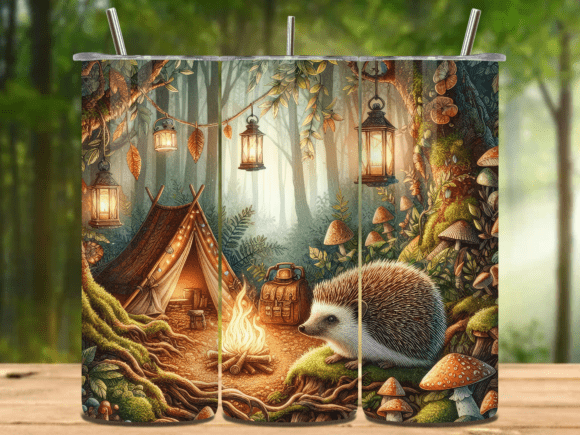
Camping 20 Oz Tumbler Wrap PNG V.13
If you're creating custom drinkware for outdoor-themed brands, small-batch merch lines, or seasonal promotions, the Camping 20 Oz Tumbler Wrap PNG V.13 is a practical, ready-to-use design asset — not just another generic graphic. It’s built specifically for 20 oz tumblers, meaning it accounts for real-world curvature, seam alignment, and print-ready dimensions. But here’s what many buyers overlook before downloading: how the file type, resolution, and format affect actual application — especially if you’re new to sublimation, vinyl wrapping, or print-on-demand workflows.
Why This Design Fits Real Projects — Not Just “Nice-to-Have” Files
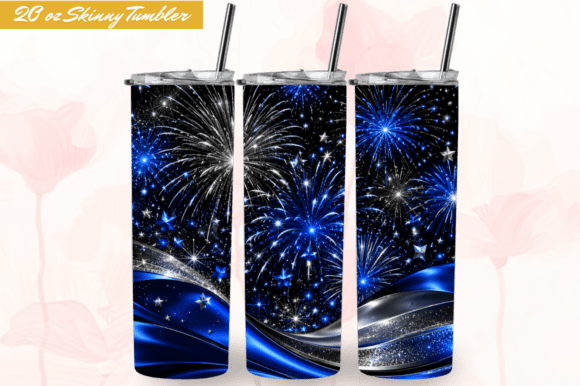
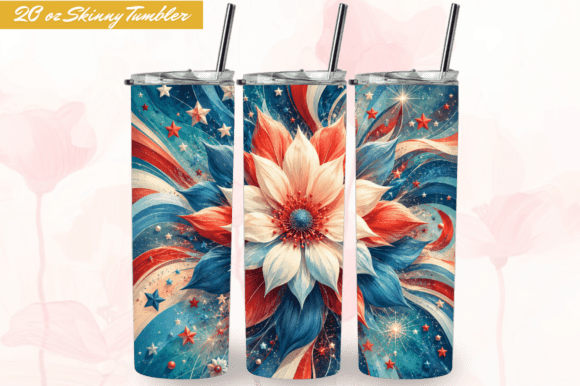
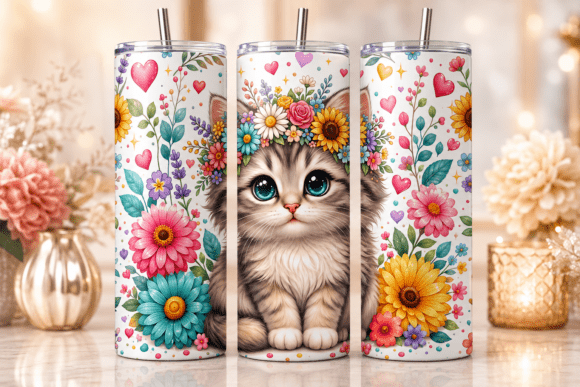
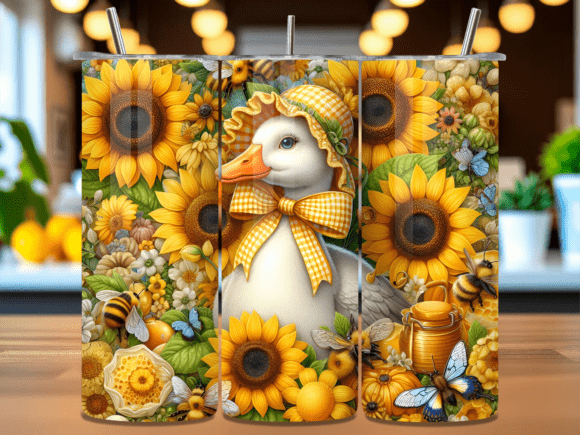
This isn’t clipart. The Camping 20 Oz Tumbler Wrap PNG V.13 delivers two distinct versions in one ZIP: a straight wrap and a tapered wrap. That distinction matters — because not all 20 oz tumblers are identical. Some have uniform cylindrical walls (straight), while others narrow slightly toward the base (tapered). Using the wrong version leads to stretched graphics, misaligned seams, or awkward white gaps when wrapped. You’ll receive both at 300 dpi resolution, sized precisely to 9.3 × 8.2 inches (2790 × 2460 pixels) — matching industry-standard tumbler print templates. That means no guesswork scaling, no pixelation on physical products, and no last-minute resizing that compromises detail.
A Common Mistake: Assuming “PNG” Means “Ready for Any Printer or Cutter”
PNG files preserve transparency — essential for clean vinyl cuts or seamless sublimation — but they don’t contain cut lines, registration marks, or color profiles. If you’re sending this to a local print shop or using a Cricut/Silhouette, don’t assume the file will auto-configure for your machine. You’ll need to import it into design software like Silhouette Studio, Cricut Design Space, or Adobe Illustrator first. Then check: Is the transparent background intact? Are edges sharp (not blurry)? Does your cutter recognize the outer boundary as a cut line — or do you need to trace it manually?
Example: One customer applied the straight wrap to a tapered tumbler, then used a heat press without adjusting dwell time. The result? Slight warping near the base where the design didn’t conform. A quick test wrap on scrap material — or even a paper mock-up — would’ve revealed the mismatch before pressing.
Another Overlooked Detail: Commercial Use ≠ Unlimited Redistribution
The Camping 20 Oz Tumbler Wrap PNG V.13 is licensed for personal and commercial use — which means you can sell mugs, tumblers, or branded merchandise made with it. But you cannot resell the PNG file itself, upload it to design marketplaces, or include it in editable template bundles. This isn’t a restriction meant to limit your business — it’s standard practice to protect original design work and ensure fair value for creators. Violating this doesn’t just risk a takedown; it can damage trust with customers who expect unique branding, not recycled assets.
What to Verify Before Downloading — and Why It Saves Time Later
- File extraction readiness: The files arrive in a ZIP. If you’re on a tablet or older OS, double-clicking may not open the archive. Have WinZip, WinRAR, or your system’s native extractor ready — or use a free online tool like B1 Free Archiver if needed.
- Color mode: These are RGB files — ideal for screen viewing and most sublimation printers. If your service requires CMYK, convert carefully (don’t let software auto-convert — adjust manually to preserve forest greens and warm campfire tones).
- Transparency check: Open the PNG in Preview (Mac) or Photos (Windows) — zoom in. You should see a checkerboard background, not white. If it appears solid white, the transparency may be flattened — contact the seller before applying to clear vinyl.
- Scale confirmation: Even at 300 dpi, some editing apps default to “fit to screen.” Always check the actual pixel dimensions (2790 × 2460) in your software’s image info panel before exporting or cutting.
Better Workflow Tips for Beginners and Pros Alike
Start with the tapered version if you’re using popular brands like RTIC, Simple Modern, or YETI Rambler — their 20 oz models typically taper. Reserve the straight wrap for budget tumblers or custom blanks with consistent diameter. And always do a dry run: print on plain paper, cut it out, and wrap it around your tumbler. Does the seam line up cleanly behind the handle? Does the top edge sit just below the lip? That 0.2-inch margin matters for professional presentation.
For educators or small business owners running craft workshops: use the Camping 20 Oz Tumbler Wrap PNG V.13 as a teaching example for discussing scale, resolution, and file formats. Contrast it with low-res JPGs or stretched SVGs — show how 300 dpi at exact dimensions eliminates pixelation when printed at full size. It turns technical specs into tangible learning moments.
Final Thought: It’s About Fit, Not Just Flash
The best tumbler wraps don’t shout — they serve. They align, adhere, and represent your brand consistently across every cup sold. The Camping 20 Oz Tumbler Wrap PNG V.13 supports that goal because it’s built with dimensional accuracy, production-grade resolution, and thoughtful versatility. But its value only activates when matched with intentional use — checking specs, testing fit, respecting licensing, and choosing the right version for your blank. That attention to detail separates polished results from “good enough.”
Welcome to my shop — where every design is tested for real-world use, not just screen appeal. You’ll find more tumbler wraps, seasonal bundles, and scalable assets designed with the same care. No fluff. No filler. Just files that work — the first time, every time.